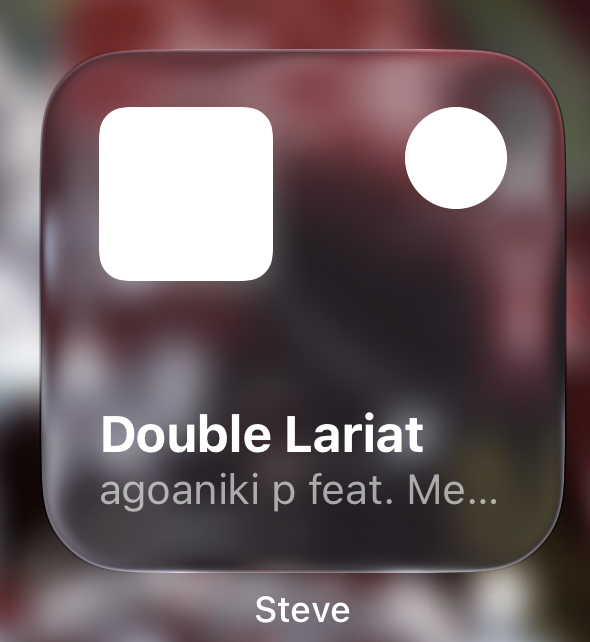
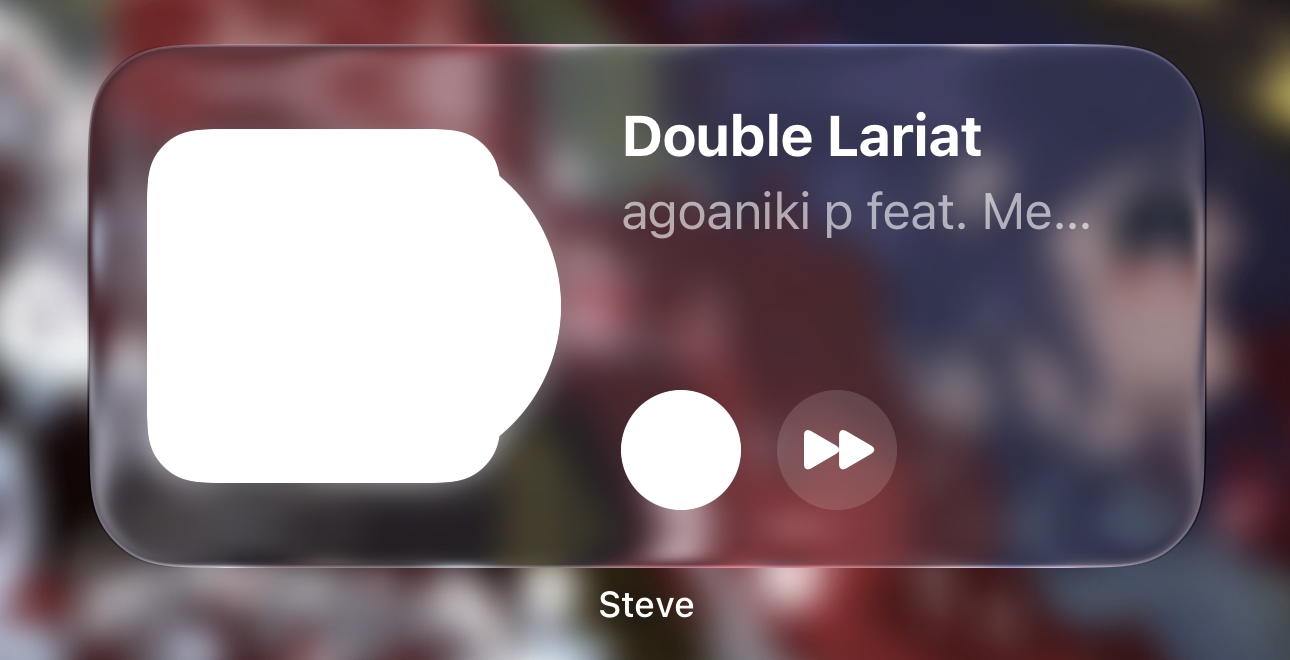
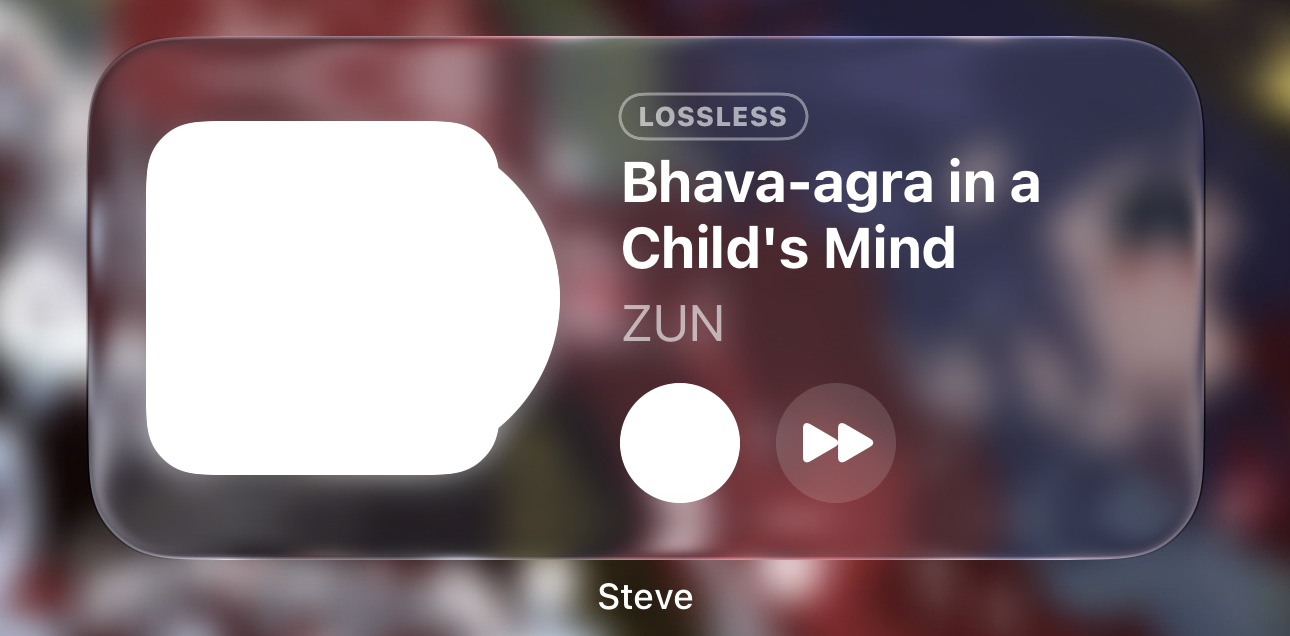
As title says. The now playing widgets, both sizes, don’t display correctly when icons are set to clear or tinted, which kinda sucks for me since I only use clear/tinted icons lol. The song art is just a white square with the second size having a bulge, and the play button is whited out on both. The lossless icon still displays correctly however along with the song title and artist.
Hi @Lunertic , Thank you for using Steve pro, my apologies for the trouble, we will look into it asap and add it to the next update.
@Lunertic, this is fixed in Steve 1.4, out now. With clear or tinted icons, the Now Playing widgets show your cover tinted instead of a white square, and the play and skip buttons take the tint too. If a widget still looks off after updating, remove it and add it again. Thanks for the screenshots, they made it easy to fix!