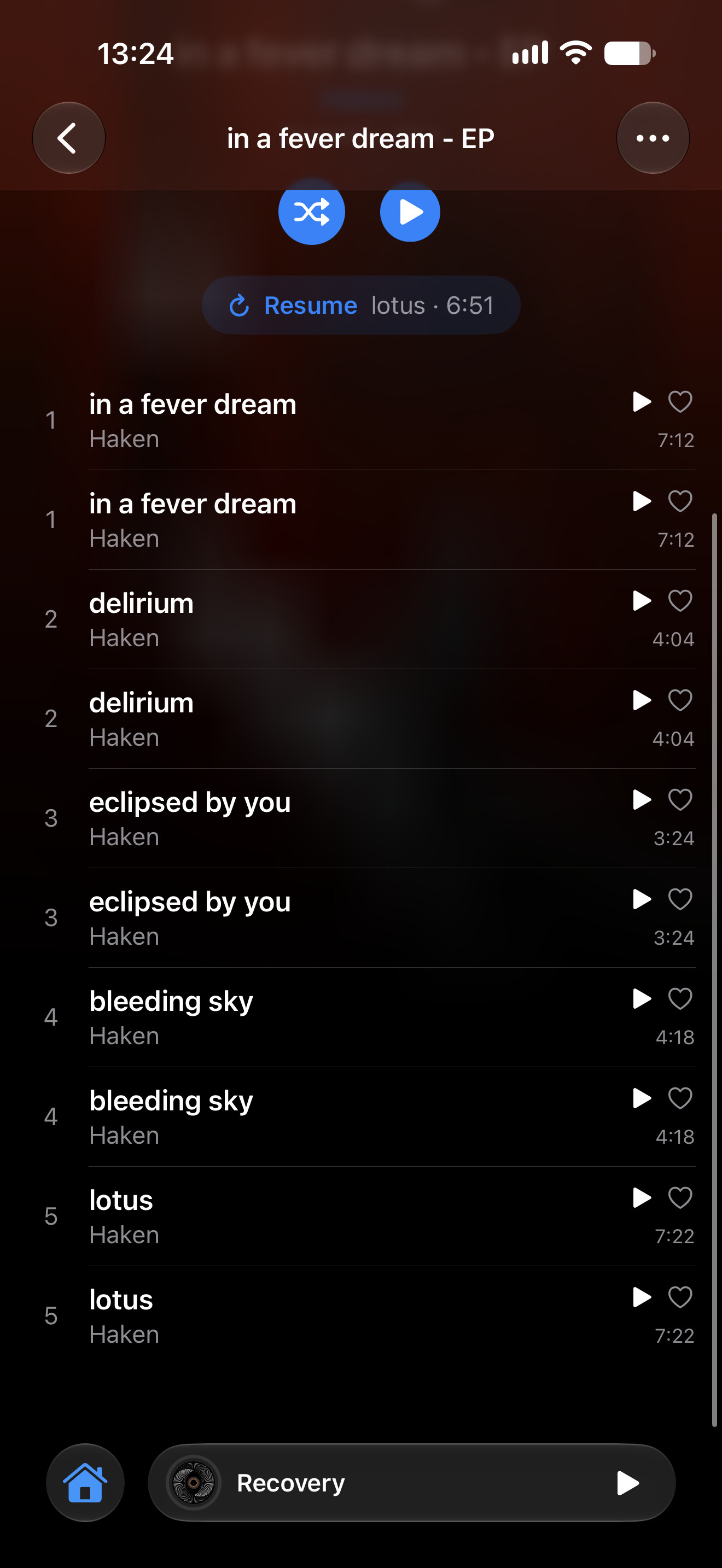
Hi @Dan, this is fixed in Steve 1.4, out now on the App Store.
What was happening: iOS had moved the folder Steve is linked to (this can happen after an iOS update), so Steve no longer recognised the songs it already had and imported every one again. Steve now finds the folder at its new place on its own, and removing a folder now removes all of its songs properly.
Once you’ve updated, if you still see songs twice, let me know here. Thanks again for the report and the screenshot!